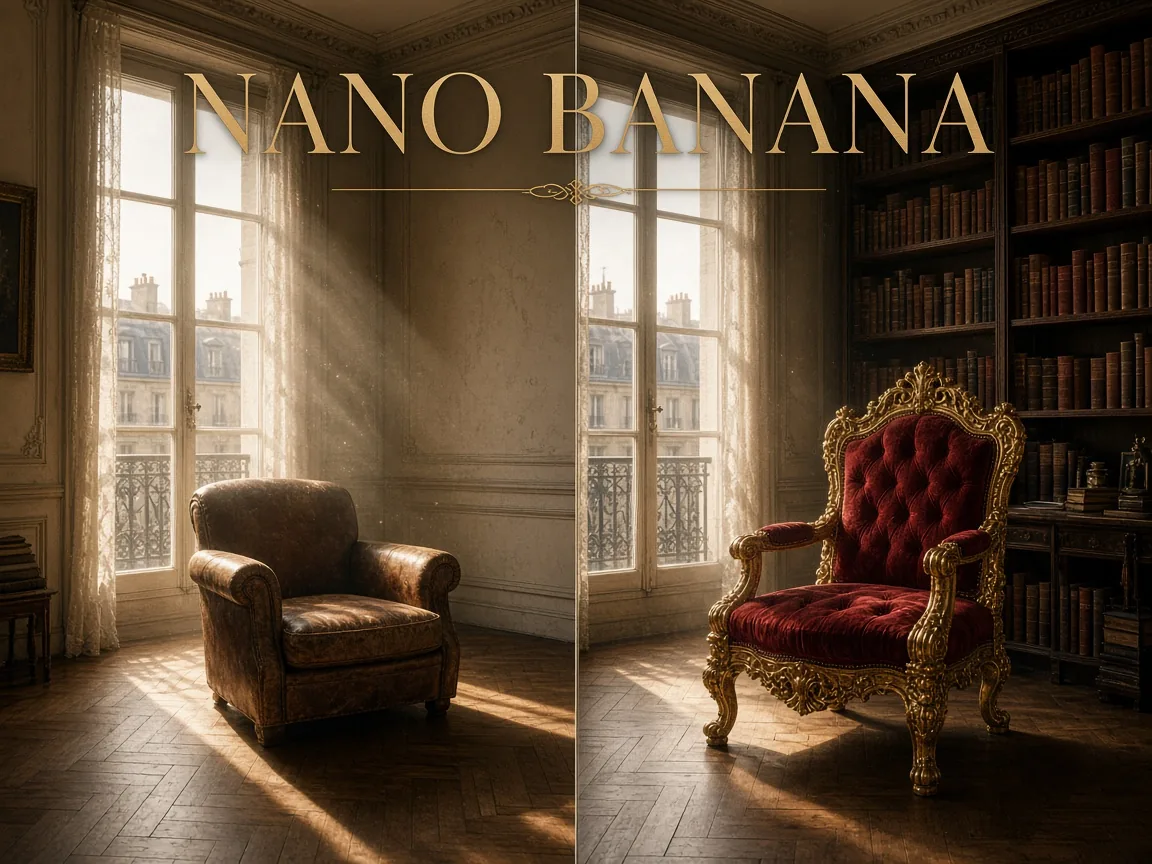
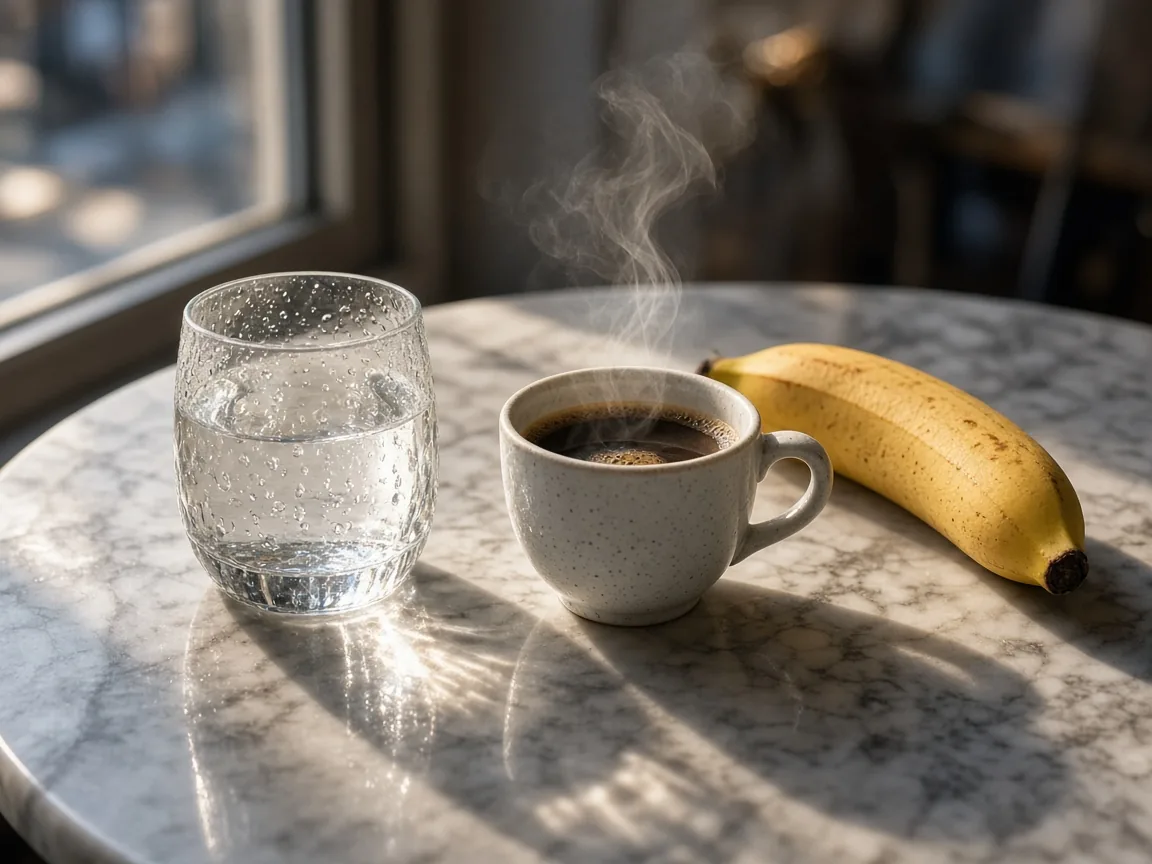
Nano Banana is Google's Gemini 2.5 Flash Image model, an AI image generator and editor that understands everyday language. Ask it to add a sunset glow or to replace a chair with a throne, and it changes exactly what you named while the rest of the scene, its lighting and its perspective stay believable.
Use it for text-to-image, or edit with up to 10 reference images. It returns results quickly, keeps characters and products consistent across repeated edits, and offers auto plus 10 aspect ratios with PNG or JPEG output, at 10 credits per image.
Key features of Nano Banana
Fast, language-driven edits that look photographed, not pasted.
01
Edit images by describing the change
Type the change the way you would say it: add a warm sunset glow, replace the armchair with a carved throne, make the jacket navy. Nano Banana reads short commands and longer, layered instructions alike and turns them into an accurate edit, with no masks or layers to manage. It suits quick retouching, room restyling and product variations.
02
Consistent results across repeated edits
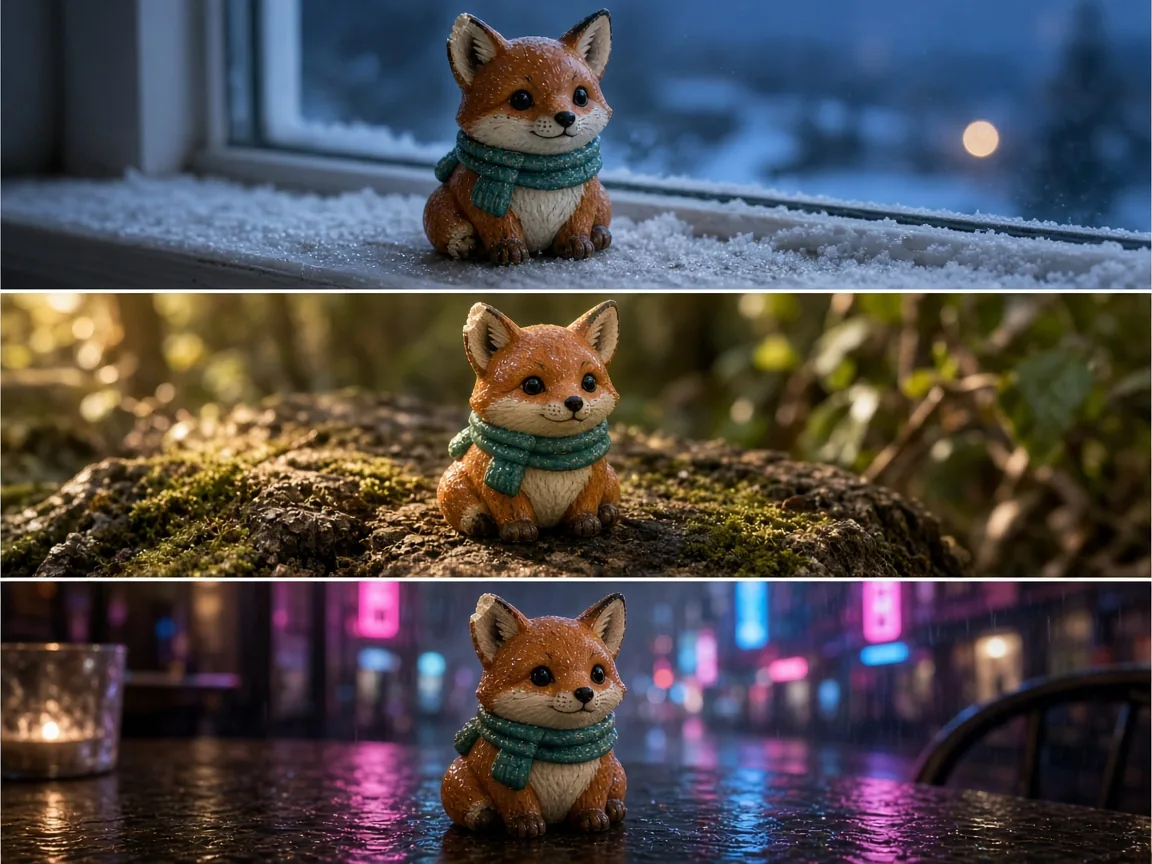
Iterating on one image no longer means watching it drift. The model keeps a character's face, a mascot's markings or a product's shape steady while you change the scene, the season or the mood, and applies similar edits evenly across a set. Use it for storyboards, mascot series and campaign images that must look like one family.
03
Precise background and object changes
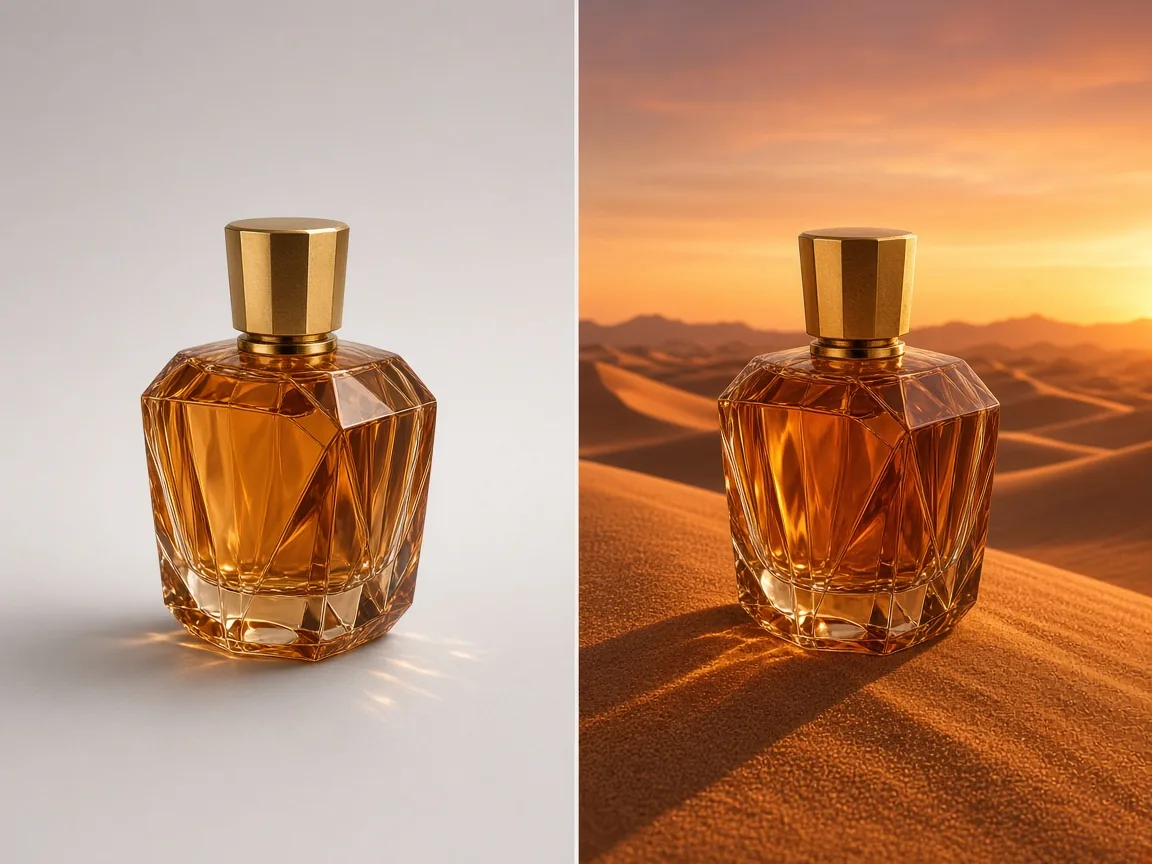
Replace a background, swap a single object or refine one detail while the subject stays exactly where it was. Each change is blended into the original light, so reflections, shadows and color temperature match the new setting. It is a practical way to place one product shot into many lifestyle scenes for stores and ads.
04
Fast drafts for rapid iteration
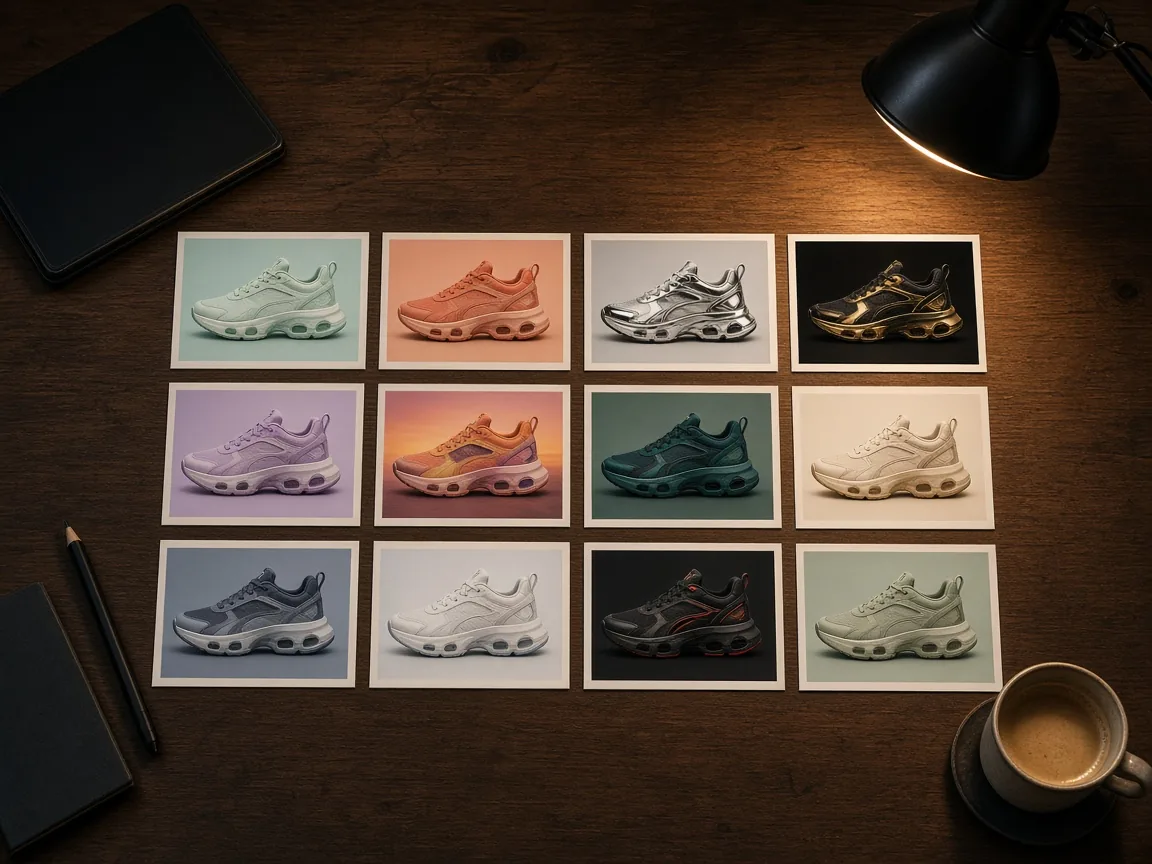
Nano Banana is built for speed and returns most images in tens of seconds, so you can try many colorways, layouts or moods before committing. Run up to four tasks at once, compare them side by side and keep refining the strongest one. It is ideal for concept boards, social content and quick client previews.
05
Physics-aware, realistic lighting
Light, shadow and space behave the way they would in a real photograph. Inserted objects pick up the right reflections, glass refracts sunlight and shadows fall in one consistent direction, so edits look captured rather than pasted on. This matters most for food, interiors, still life and product photography.
How to create and edit images with Nano Banana
Create stunning AI images in Nano Banana in three simple steps:
1
Choose text or image editing
Start from a blank canvas with text to image, or switch to image editing and upload up to 10 JPG, PNG or WEBP references of up to 10 MB each. Mention them in your prompt as @image_1, @image_2 to say which one is the subject and which sets the style.
2
Describe the result in plain words
Write what to create or what to change, and say what must stay the same. Prompts can run to 5,000 characters. Pick auto or one of 10 aspect ratios, from 1:1 and 4:5 to 16:9 and 21:9, and choose PNG or JPEG.
3
Generate and keep refining
Each image costs 10 credits, shown on the generate button before you submit. Results land in your history, ready to download or to reuse as the reference for your next edit.
One model, two ways to work: start from words, or start from a picture you already have.
Image generation
Image editing
Starting point
A written description of the scene you want
One to 10 uploaded reference images
Creative control
Subject, setting, style and framing set in the prompt
Prompt-guided edits that change only what you name
Reference images
Not needed to get started
Tag each as @image_1, @image_2 for subject, scene or style
Further refinement
Reuse a result as the reference for the next round
Chain edits while faces, products and light stay consistent
Best for
Concept art, social posts and quick visual drafts
Product scenes, background swaps, retouching and restyling
Both modes cost 10 credits per image, and you can switch between them at any time in the workspace.
View credits per image
Model
Resolution
Credits / image
Nano Banana
Standard
10
Nano Banana FAQ
Answers about editing, consistency, formats and credits.
What is Nano Banana?
Nano Banana is an AI image model, Gemini 2.5 Flash Image, that generates and edits pictures from plain-language prompts. It is known for fast, accurate edits that keep the rest of the image intact. You can use it online in this workspace with nothing to install.
How is Nano Banana different from Nano Banana 2 and Nano Banana Pro?
Nano Banana is the fastest and most affordable option, focused on language-driven edits at one standard resolution. Nano Banana 2 adds 2K and 4K output and more aspect ratios, while Nano Banana Pro targets detailed 2K and 4K work with stronger text rendering. Choose Nano Banana for quick edits and drafts.
Can Nano Banana edit my own photos?
Yes. Switch to image editing, upload up to 10 JPG, PNG or WEBP images of up to 10 MB each, and describe the change, such as a new background, a replaced object or a different color. The model edits what you name and keeps the rest.
How do I keep a character consistent across edits?
Use the same reference image each time and describe the fixed traits, such as the face, outfit or markings, separately from what should change. Feeding a good result back in as the next reference keeps the identity steady across a series.
Which aspect ratios and output formats are supported?
You can choose auto or 1:1, 16:9, 9:16, 4:3, 3:4, 3:2, 2:3, 5:4, 4:5 and 21:9, and save as PNG or JPEG. Images come out at one standard resolution; for 2K or 4K, switch to Nano Banana 2 or Nano Banana Pro.
How many credits does Nano Banana cost?
Each image costs 10 credits for both text-to-image and image editing. You can submit up to four tasks at once, and the generate button shows the total before you confirm.
How long can a prompt be?
A prompt can be up to 5,000 characters. Lead with the subject and the change you want, then add setting, lighting and style; for edits, state clearly what must not change.
Can Nano Banana put text inside images?
Yes, for short words such as a sign, a label or a one-line headline. For long passages, dense layouts or multilingual lettering, GPT Image 2 or Nano Banana Pro will give cleaner text.
 Nano Banana 2.1